
SHAREit
SHAREit is a free Windows app from the SHAREit Team for moving photos, videos and documents between a PC and a phone. The current version is 5.1.0.7.
22.7 MB

Advanced IP Scanner is a free Windows network scanner from Famatech that finds the devices connected to your local network.
Average 0.0 · ratings: 0
Thank you! Your rating is saved; you can change it. Could not save the rating. Please try again later. Too many ratings from your network today. Please try again tomorrow. The average appears after 5 ratings.
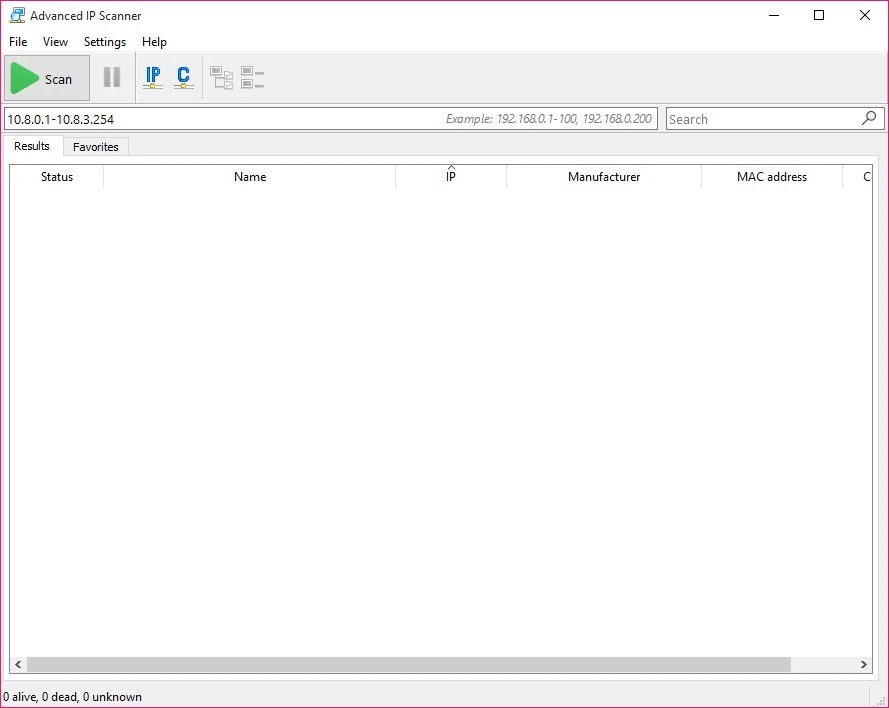
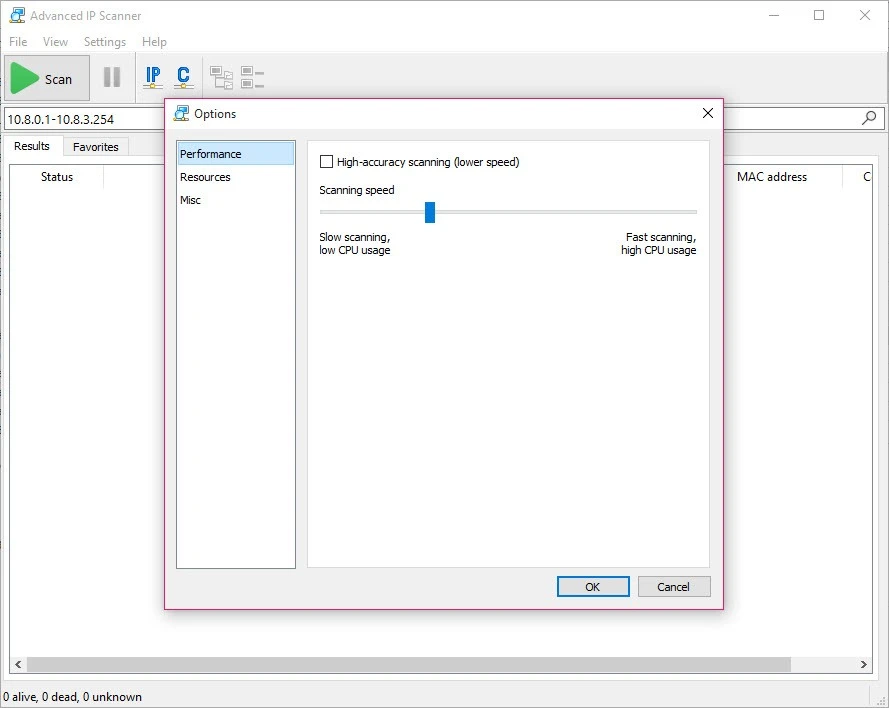
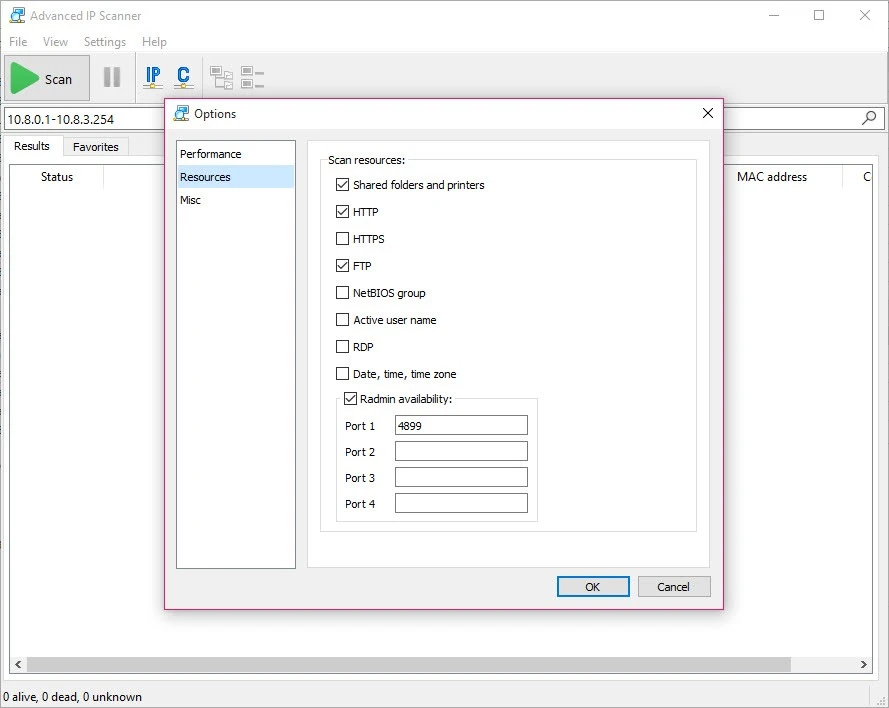
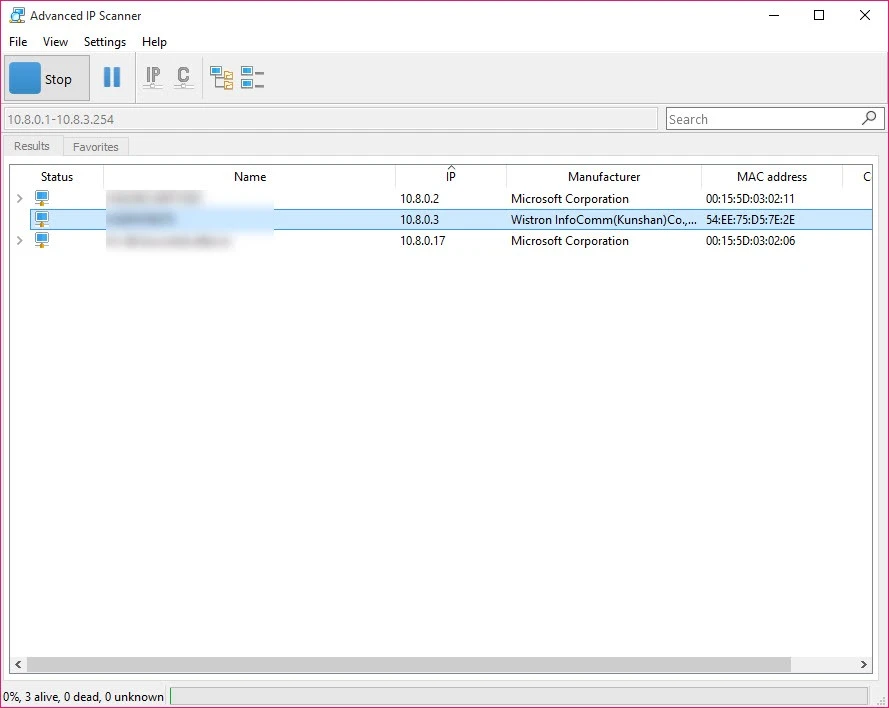
Advanced IP Scanner 2.5.4594.1 is a free network scanner for Windows from Famatech. You can download Advanced IP Scanner from the developer's site to see which computers, printers, phones and other devices are connected to your local network.
Home networks fill up quickly: a router, a couple of laptops, phones, a smart TV, a printer and a few gadgets nobody remembers setting up. Advanced IP Scanner goes through a range of addresses on your network and shows which ones answer, so you get a list of devices with their addresses and names in one window. That is useful when you need the address of a printer or a network drive, want to check whether a new device joined the network, or suspect that someone is using your Wi-Fi without permission. System administrators use the same scan to take a quick inventory of an office network before troubleshooting. The program does not change anything on the devices it finds; it only reports what is visible on the network you are connected to.
The developer states compatibility with Windows 11, 10, 8 and 7. There are no special hardware needs, but the computer must be connected to the network you want to scan, either by cable or Wi-Fi.
Advanced IP Scanner is safe to use when you take it from the official site. Scanning your own home or work network is normal practice; scanning networks that do not belong to you, or without the owner's permission, can break rules or laws. Some antivirus programs pay close attention to network scanners, since attackers use such tools too, so a warning about the program does not always mean the installer is infected. Still, avoid copies from unknown sites.
The program is free, with no paid version to unlock basic scanning.
Give your devices clear names in the router settings so the scan results are easier to read. If a device does not appear, make sure it is powered on and connected to the same network rather than a guest network.
For deeper network work, our site also lists Wireshark for traffic analysis, WinMTR for tracing connection problems and Cisco Packet Tracer for network simulation.
SHAREit is a free Windows app from the SHAREit Team for moving photos, videos and documents between a PC and a phone. The current version is 5.1.0.7.

Zapya for Windows is a free file transfer app from DewMobile for moving files between a PC and phones over a local wireless connection.

Easy Connection to Screen is Samsung's Windows app for showing a PC's screen on a compatible Samsung TV over a wireless connection.

Internet Download Manager (IDM) is a shareware download manager for Windows from Tonec that accelerates, resumes and schedules downloads.

uTorrent (μTorrent) is a small BitTorrent client for Windows from Rainberry (BitTorrent Inc) for downloading and sharing files over torrents.

AnyDesk is a remote desktop application for connecting to and controlling another computer over the internet, from a small Windows program.

ShareMe is Xiaomi's free app for sending files between devices without a cable; on Windows the Android app runs only inside an emulator.

Xender is a free file sharing app from the Xender File Sharing Team for sending files between phones and computers over a local connection.